

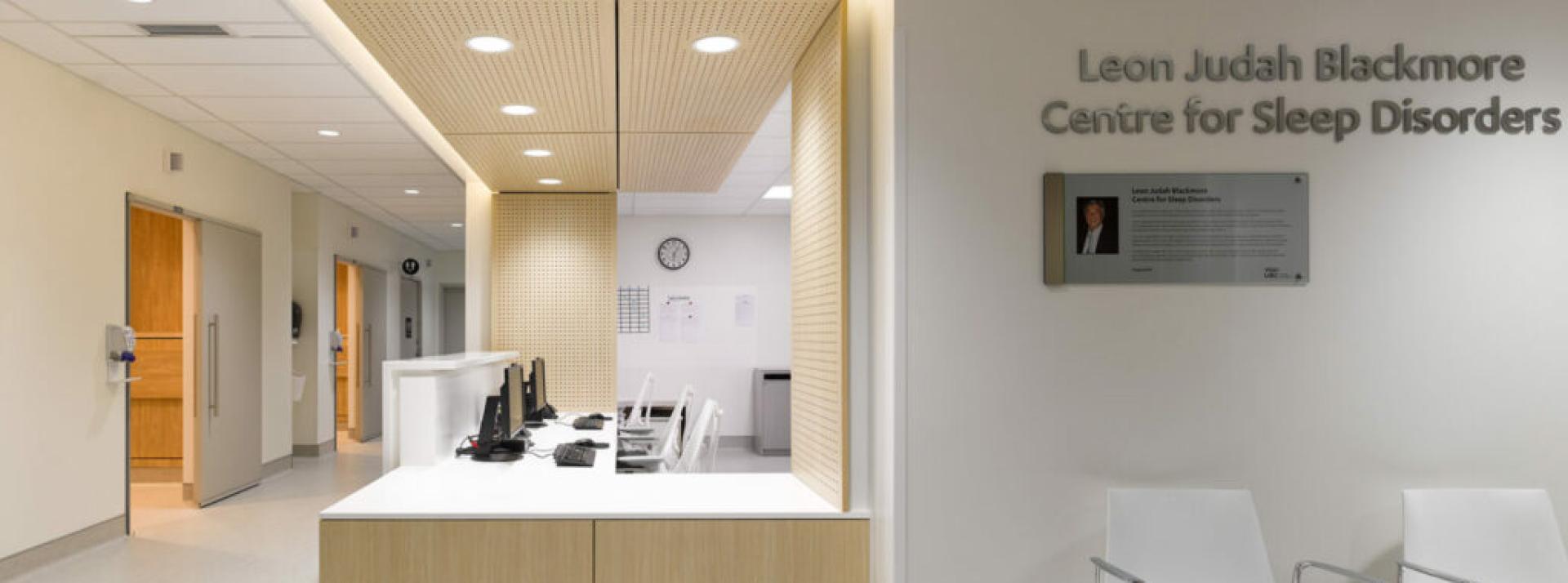
Leon Judah Blackmore Centre for Sleep Disorders at UBC Hospital
- 2211 Wesbrook Mall Vancouver, BC V6T 2B5
- ubcsleepdisordersclinic@vch.ca
- Fax: 604-822-9744
Hours of operation
- Monday: 8:00 a.m. to 4:00 p.m.
- Tuesday: 8:00 a.m. to 4:00 p.m.
- Wednesday: 8:00 a.m. to 4:00 p.m.
- Thursday: 8:00 a.m. to 4:00 p.m.
- Friday: 8:00 a.m. to 4:00 p.m.
- Saturday: Closed
- Sunday: Closed
Directions
The sleep clinic and sleep lab are at the Purdy Pavilion on the Ground Floor. Enter through the UBC Hospital Main Entrance (Koerner Pavilion) at 2211 Wesbrook Mall, Vancouver, BC.
How to get here
- Enter the UBC Hospital Main Entrance (Koerner Pavilion)
- You may be asked to clean your hands with sanitizer, put on a medical mask, and tell reception where you are going
- Take elevator 1, 2 or 3 to the ground floor
- From elevator 1 or 2: turn left when you get out of the elevator, then turn right around the corner.
- From elevator 3: turn right when you get out of the elevator, then turn right around the corner.
- Walk down the long hallway. Look for the sign that says Centre for Sleep Disorders.
- Press the button to open the door. You will see another sign for the Sleep Lab.
- Please have your personal health card ready
The doors do not open until 8:00 a.m.
Parking
For clinic visits, parking at UBC Hospital is controlled by UBC parking.
Parking Option 1
Health Sciences Parkade
2250 Health Sciences Mall, Vancouver BC, V6T 1Z3
The Health Sciences Parkade allows overnight parking and is recommended for overnight sleep studies.
Click here to view a Google Maps link
Parking Option 2
UBC Hospital Main Entrance Parking
2211 Wesbrook Mall Vancouver, BC V6T 2B5
There is very little parking at the main hospital entrance, and it has a 2-hour time limit. Parking at the main entrance is not recommended.
Click here to view a Google Maps link
There are 3 ways to pay for parking:
- Use a payment machine with a credit card
- Using a payment machine with coins (bills are not accepted)
- Use the HonkMobile app on your smartphone. To pay with the app, you need to:
- Download the HonkMobile app (available for iOS or Android)
- Create an account
- Use the app to pay for parking at the Health Sciences Parkade
Please note our clerks cannot help you if you make a payment mistake. You will need to contact the parking company.
